
Securing Your Phone for Casino and Betting Apps
Twenty years ago the most valuable thing on a handheld was a customer list or a network password. Today it is money. A typical phone carries a banking app, a payment wallet and, for millions of people, an online casino or sportsbook account with a balance, a saved card and a withdrawal method attached. The threats have not changed much since PDA Defense was written. The stakes have.
1. The lock screen is still the first line of defense
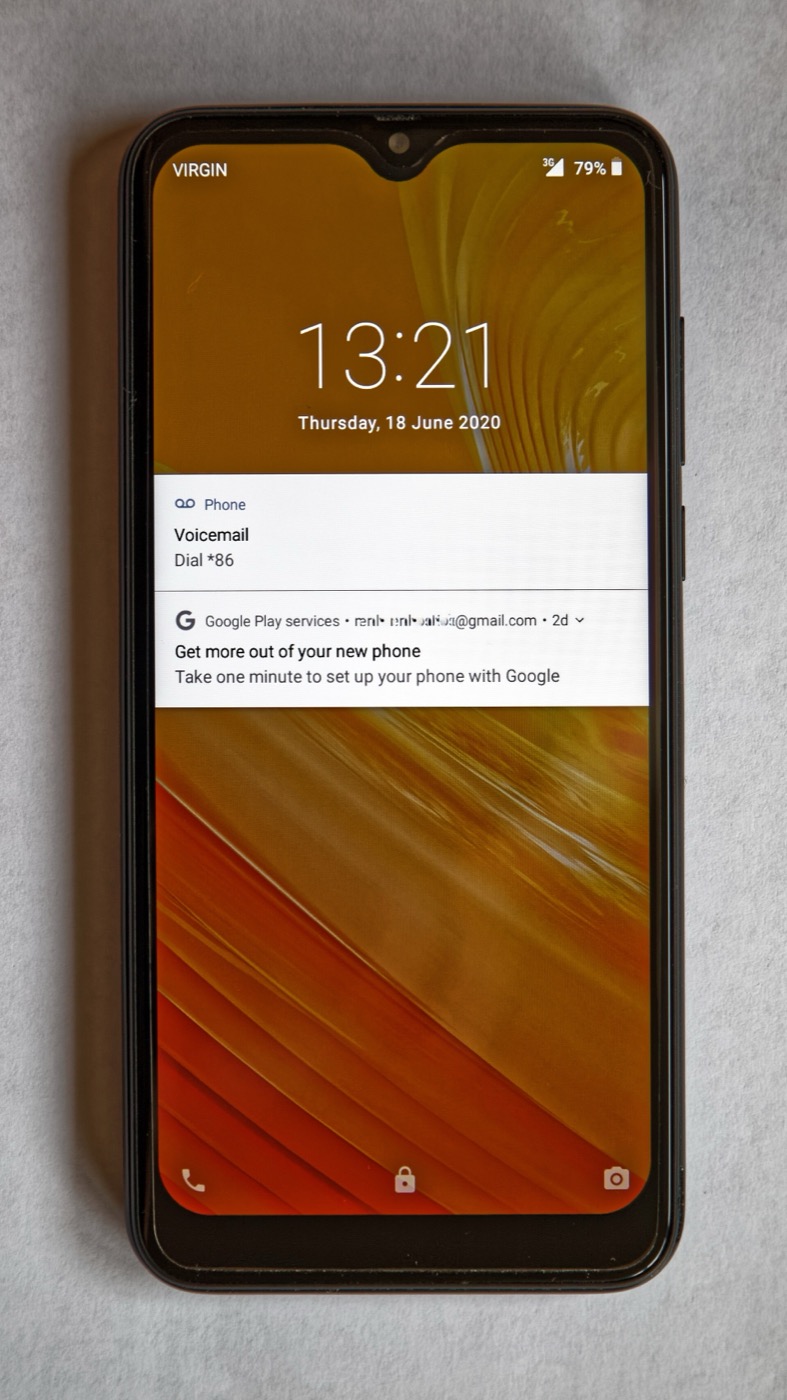
PDA Defense's core feature was power-on authentication: nothing on the device could be read until the right password was entered, even after a soft reset. The modern equivalent is a strong device passcode with biometrics on top. Use six digits or more, not a pattern, and set auto-lock to one minute. A phone that locks itself after a session at the blackjack table is a phone that cannot be opened by whoever picks it up from the bar.
2. Lock the app, not just the phone
Application launch protection let a PDA Defense administrator demand a second password before a sensitive application could run. Most casino, poker and betting apps now offer the same thing as an app-level PIN or Face ID gate. Turn it on. It means a borrowed, unlocked phone still cannot open your account, see your balance or place a bet.
3. Two-factor authentication on the account itself
Licensed online casinos and sportsbooks support two-factor authentication, usually through an authenticator app or SMS code. Prefer the authenticator app: SIM-swap fraud, where someone talks a carrier into moving your number to their SIM, is the most common way gambling accounts are emptied. A code generated on the device is far harder to steal than one sent to a phone number.
4. Encryption is on by default, so keep it that way
PDA Defense sold 128-bit Blowfish and 256-bit AES encryption as a premium feature. Every current iPhone and Android phone encrypts its storage automatically, but only while a passcode is set. Remove the passcode and the encryption key is effectively public. Never jailbreak or root a phone you use for real-money apps; most operators will refuse to run on one anyway, and for good reason.
5. Watch what can leave the device
Data transfer disabling stopped HotSync and infrared beaming while a PDA was locked. The modern leaks are notification previews, cloud backups and clipboard sync. Hide notification content on the lock screen so a win, a deposit confirmation or a one-time code is not readable by the person sitting next to you, and check which apps are allowed to back up their data.
6. Have a wipe plan before you need it
The PDA Defense "bomb" bitwiped a device after too many wrong passwords. Find My iPhone and Google Find My Device do the same job remotely. Make sure the feature is switched on and that you know your account password by heart; it is the one thing you will need if the phone is gone. Our lost-phone checklist covers what to do next.
Quick checklist. Six-digit passcode, biometrics, one-minute auto-lock, app-level PIN on every casino and betting app, authenticator-based two-factor, hidden notification previews, remote wipe enabled, no rooted or jailbroken phone.