From PDA to Smartphone: Twenty Years of Mobile Security
When PDA Defense launched in 2001, mobile security was an optional extra that most people did not know they needed. A Palm handheld had no password by default, no encryption and no way to erase itself. Two decades later every one of those features ships switched on. This is how the ideas travelled.
2001 to 2003: the Palm years
The first PDA Defense releases for the Palm OS introduced power-on authentication, 64-bit Blowfish encryption of selected databases and the bitwiping "bomb": too many wrong passwords and the device erased itself. Hardware button password entry let users unlock with the physical buttons instead of Graffiti. In 2002 Palm licensed PDA Defense Enterprise as "Security Plus" inside its Tungsten Mobile Information Management solution.
2003 to 2005: smartphones and policies
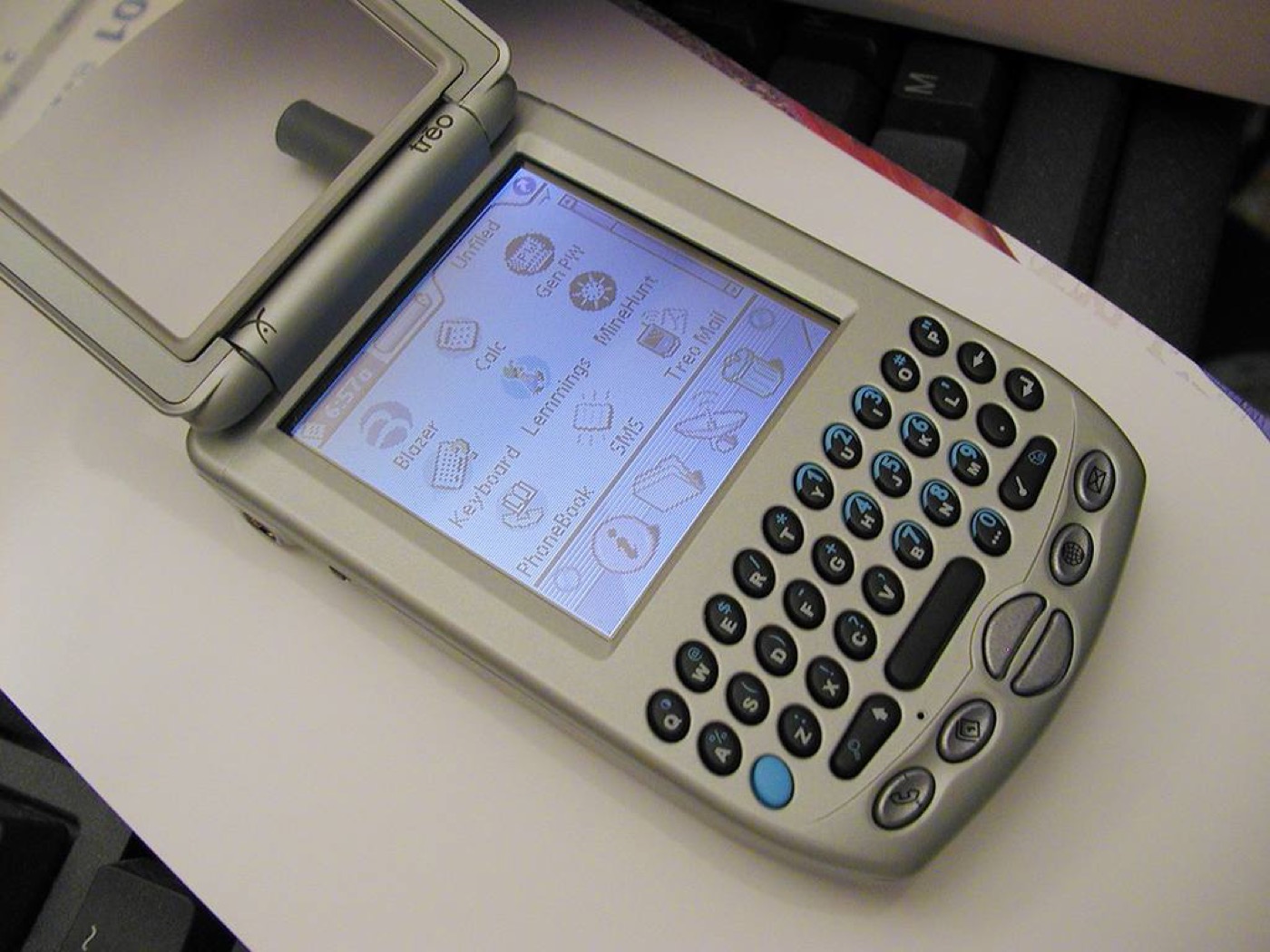
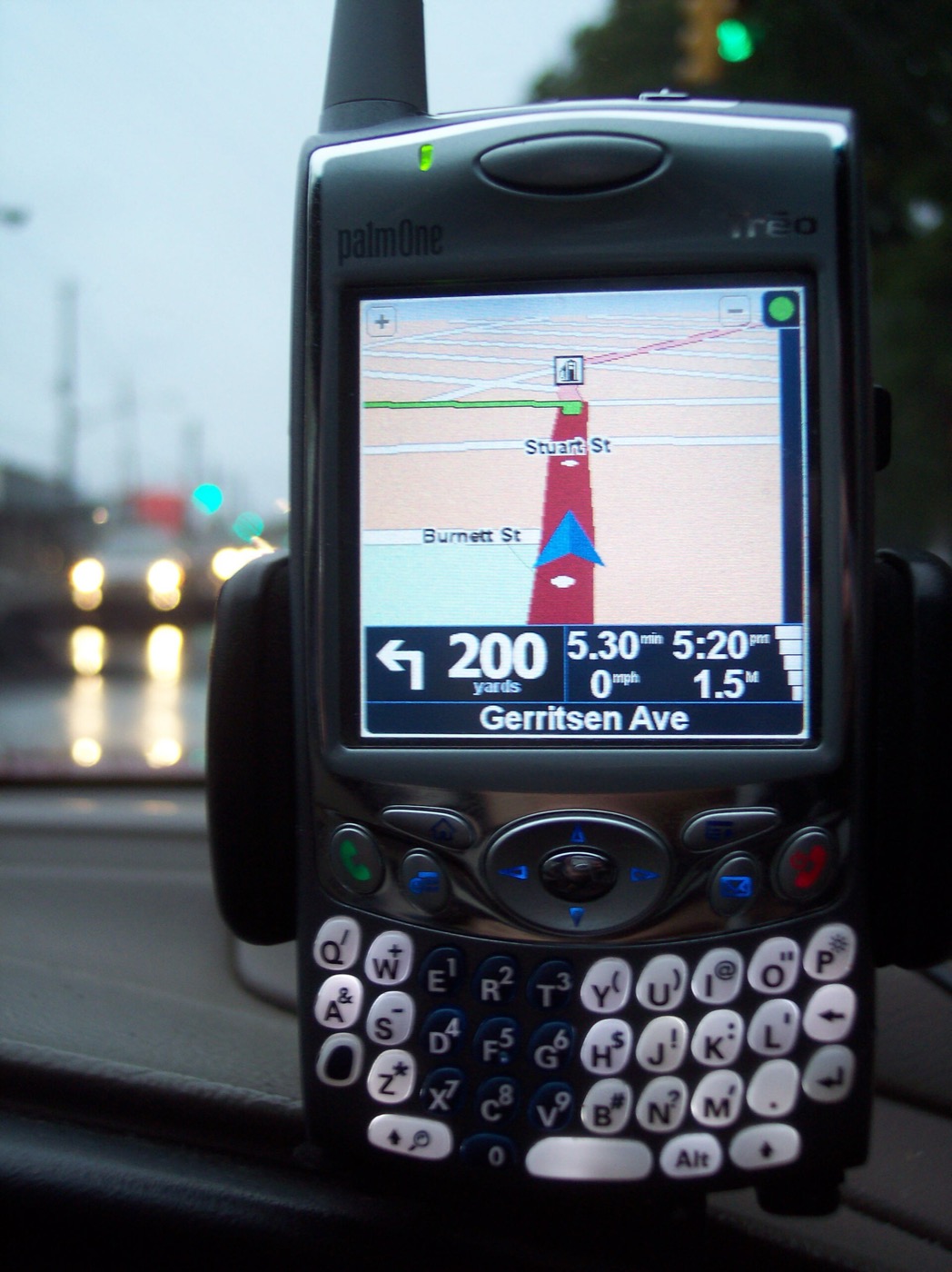
As the Treo 300, Treo 600, Kyocera 7135 and Pocket PC phones arrived, PDA Defense added support for phones that had to keep ringing while locked, AES encryption, memory card protection and, in the Enterprise edition, central policy management: password length and expiry, application lockout, Bluetooth and Wi-Fi lockdown, and a policy file that could wipe a device on command. That last feature is remote wipe, years before it reached consumers.
2007 onwards: security becomes the platform
The iPhone and Android moved encryption, passcodes and remote wipe into the operating system, and the app stores added sandboxing so that one app could not read another's data. What used to be a $30 add-on became a settings screen. The threats moved on too: from stolen devices to stolen accounts, phishing, SIM swaps and malicious apps.
Today: the account is the target
The most valuable thing on a phone now is access to money: banking, payment wallets and, for a growing share of users, online casino and sportsbook accounts. The lesson of the PDA era still applies. Assume the device will be lost, protect what is on it, and make sure it can be erased. Our notes on securing casino and betting apps and resort Wi-Fi pick up where PDA Defense left off.